Welcome to ETW Journal! In the next couple of minutes, I'll show you exactly how to journal your trades, step by step.
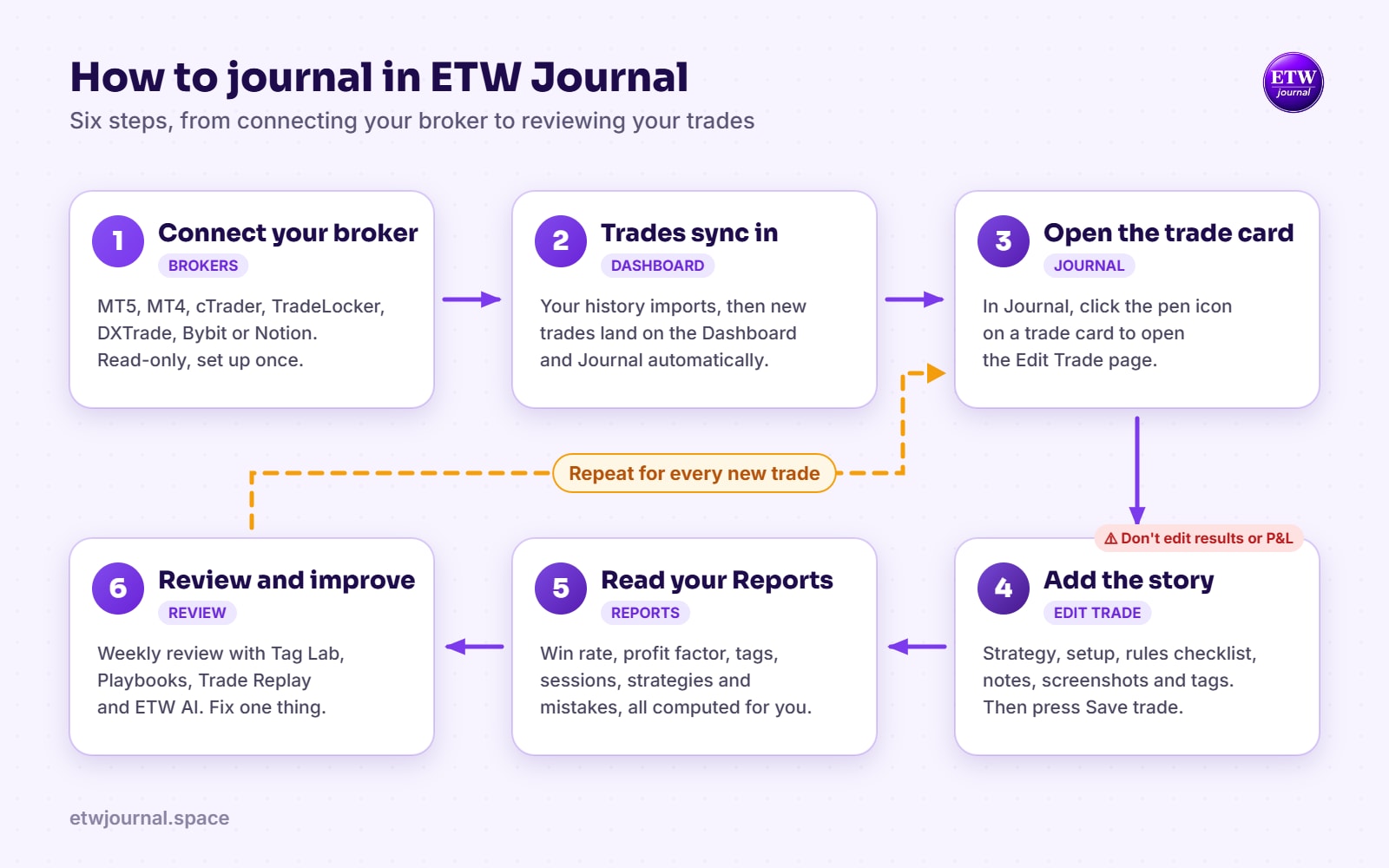
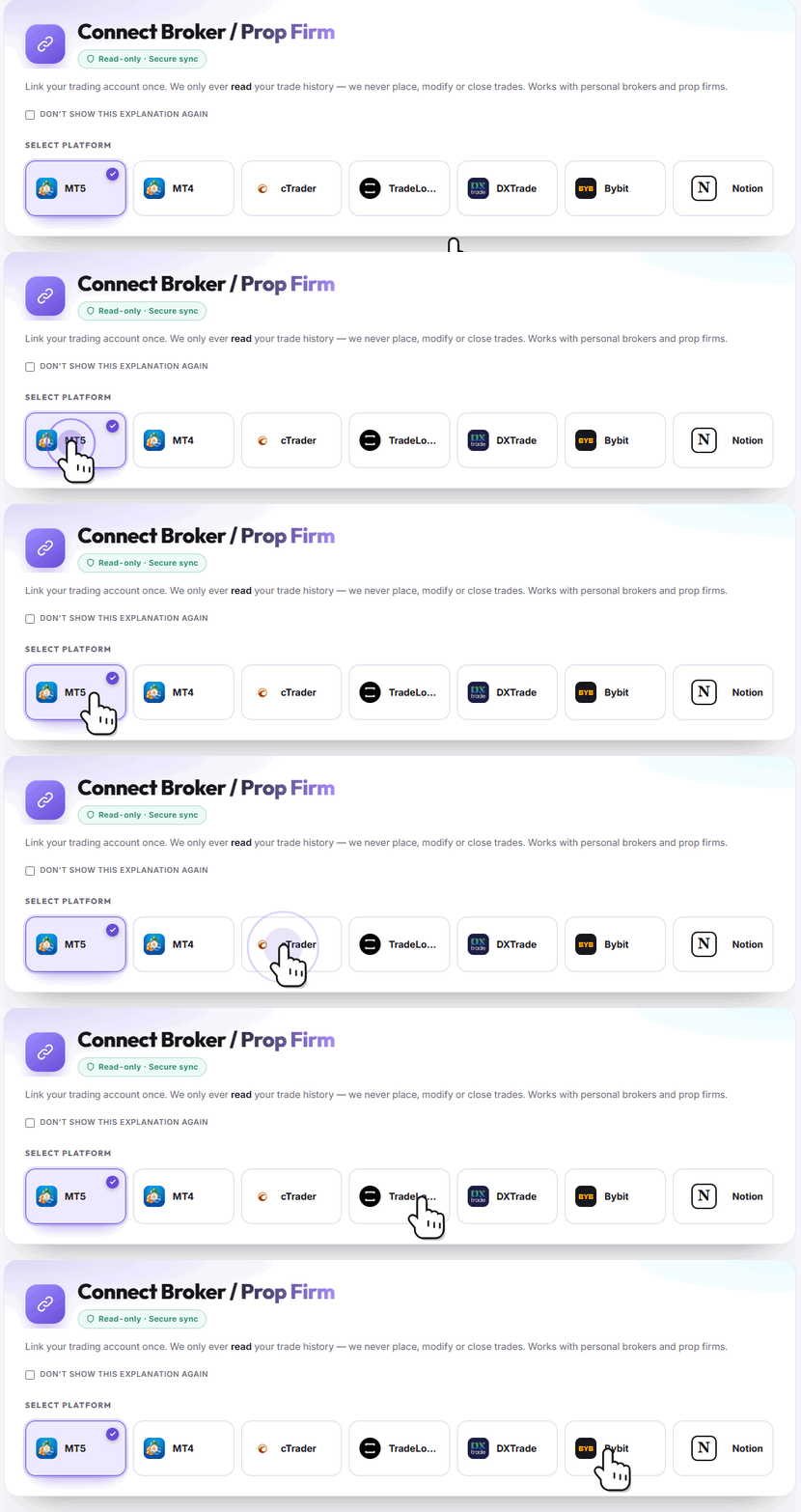
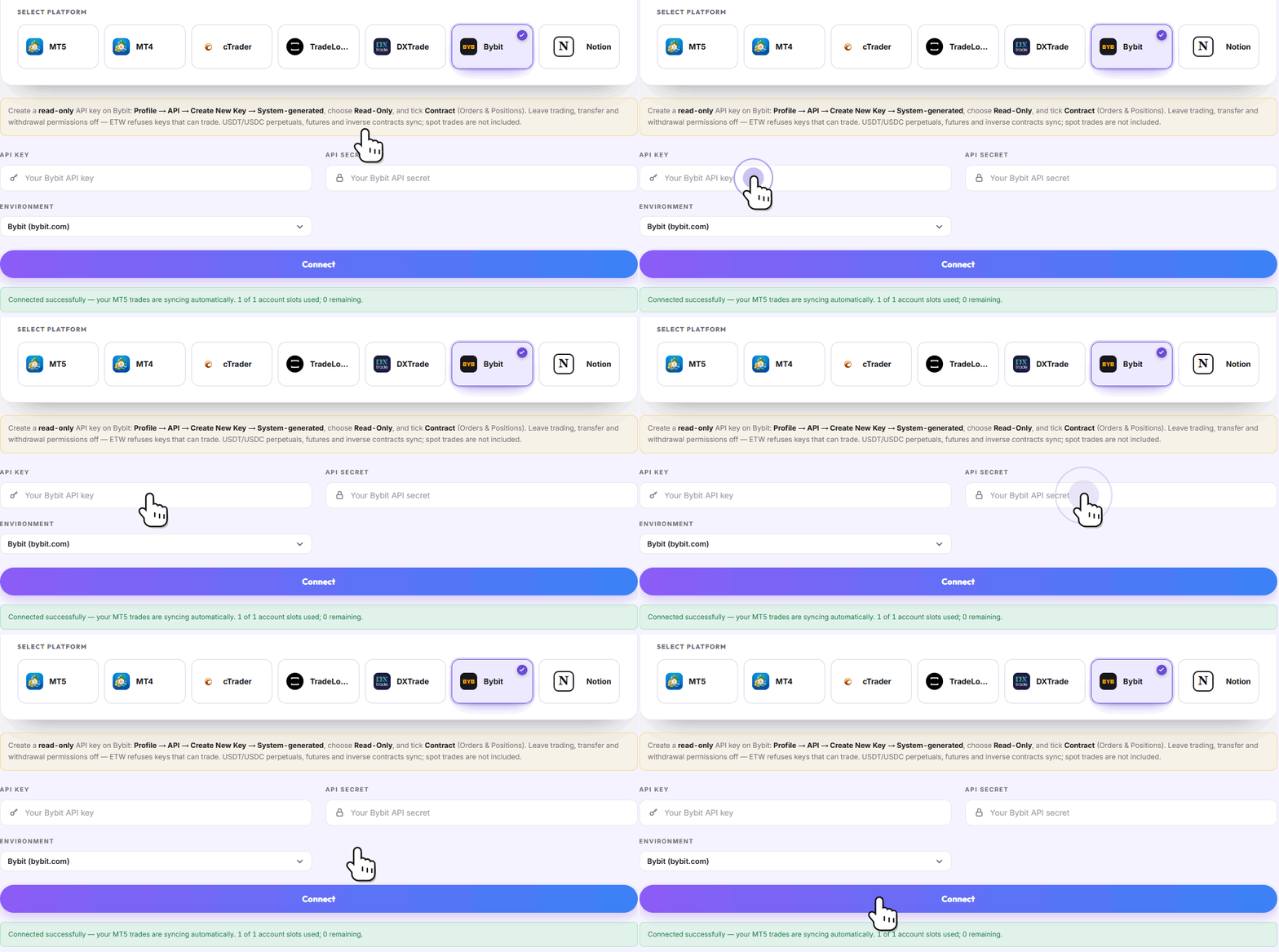
Step one: connect your broker. Click Brokers in the sidebar, then choose your platform.
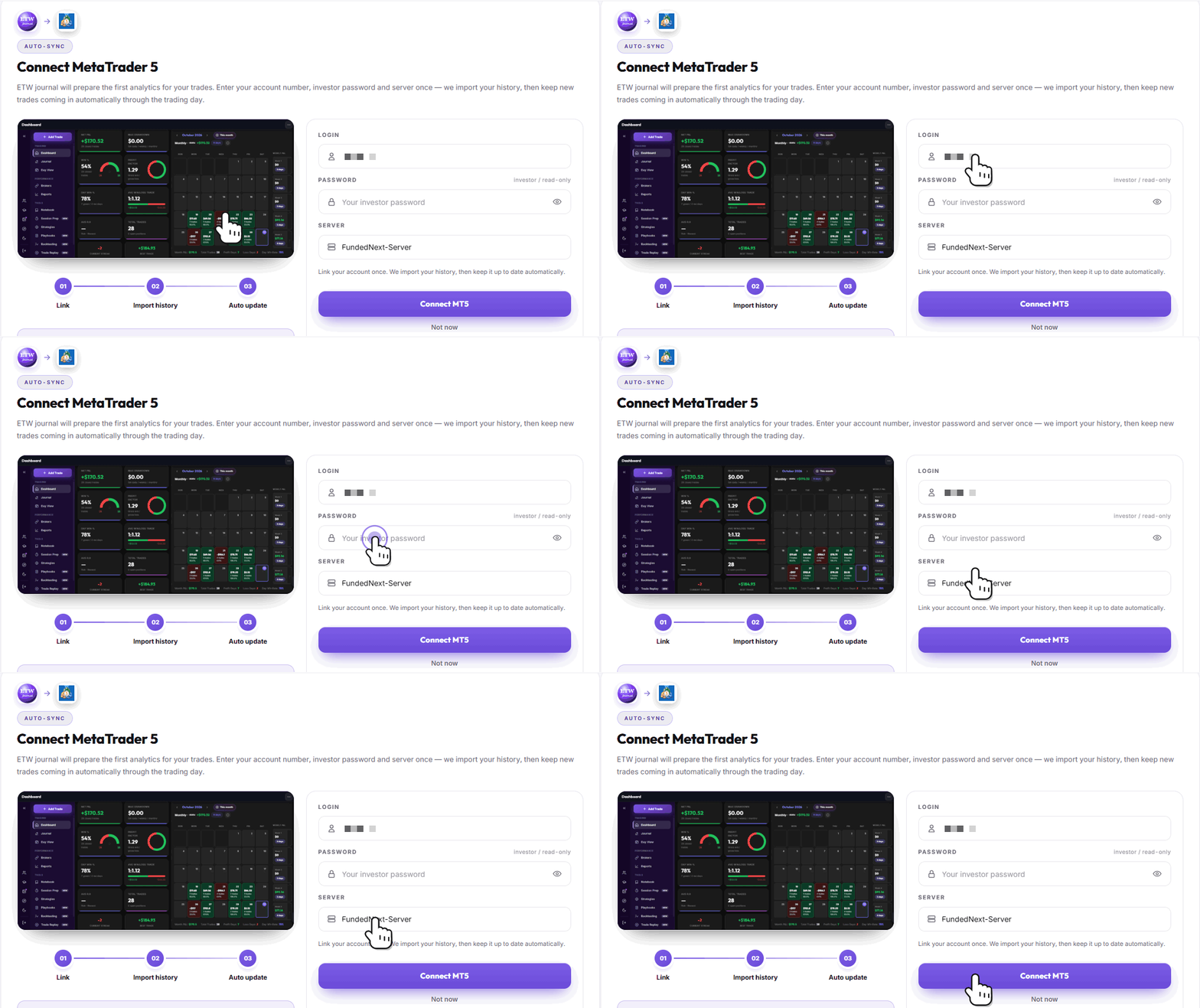
For MT5, enter your account number, your read-only investor password, and your server. Then hit Connect.
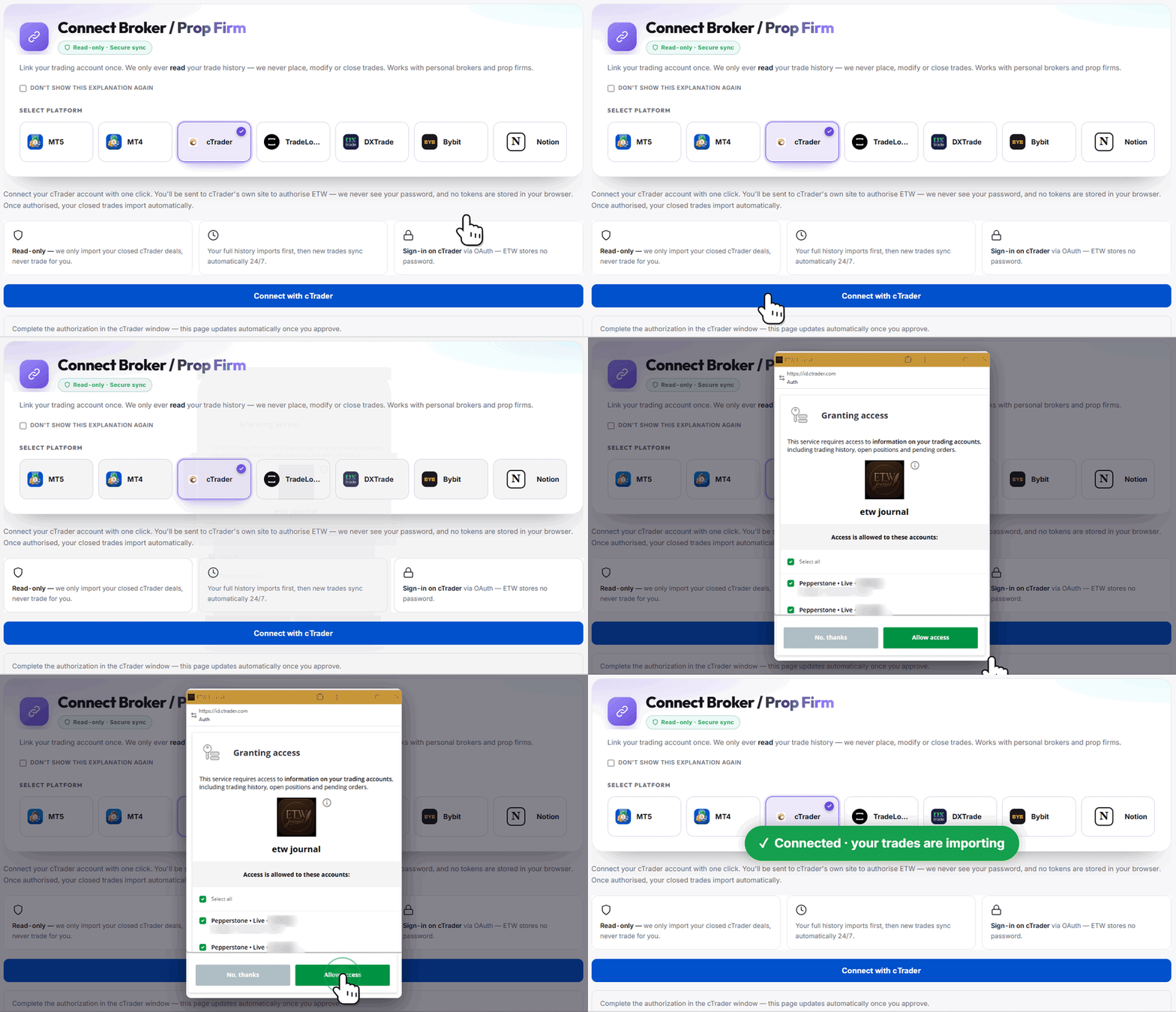
On cTrader? Just click Connect with cTrader, and approve access on cTrader's own site. ETW only ever reads your history. It never places a trade.
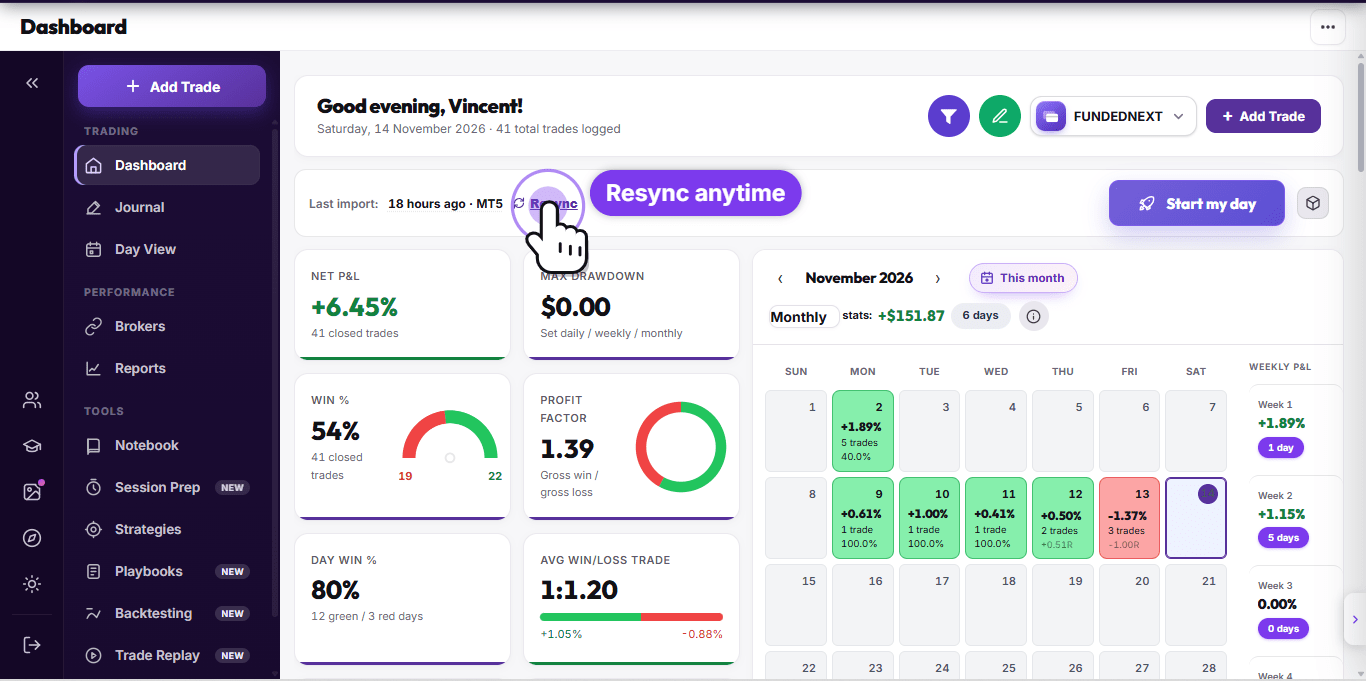
Step two. Head back to the Dashboard. Your trades are pulled in automatically, with your net P&L, win rate, profit factor, and trading calendar.
Scroll down for your ETW score, your recent trades, and your account growth curve.
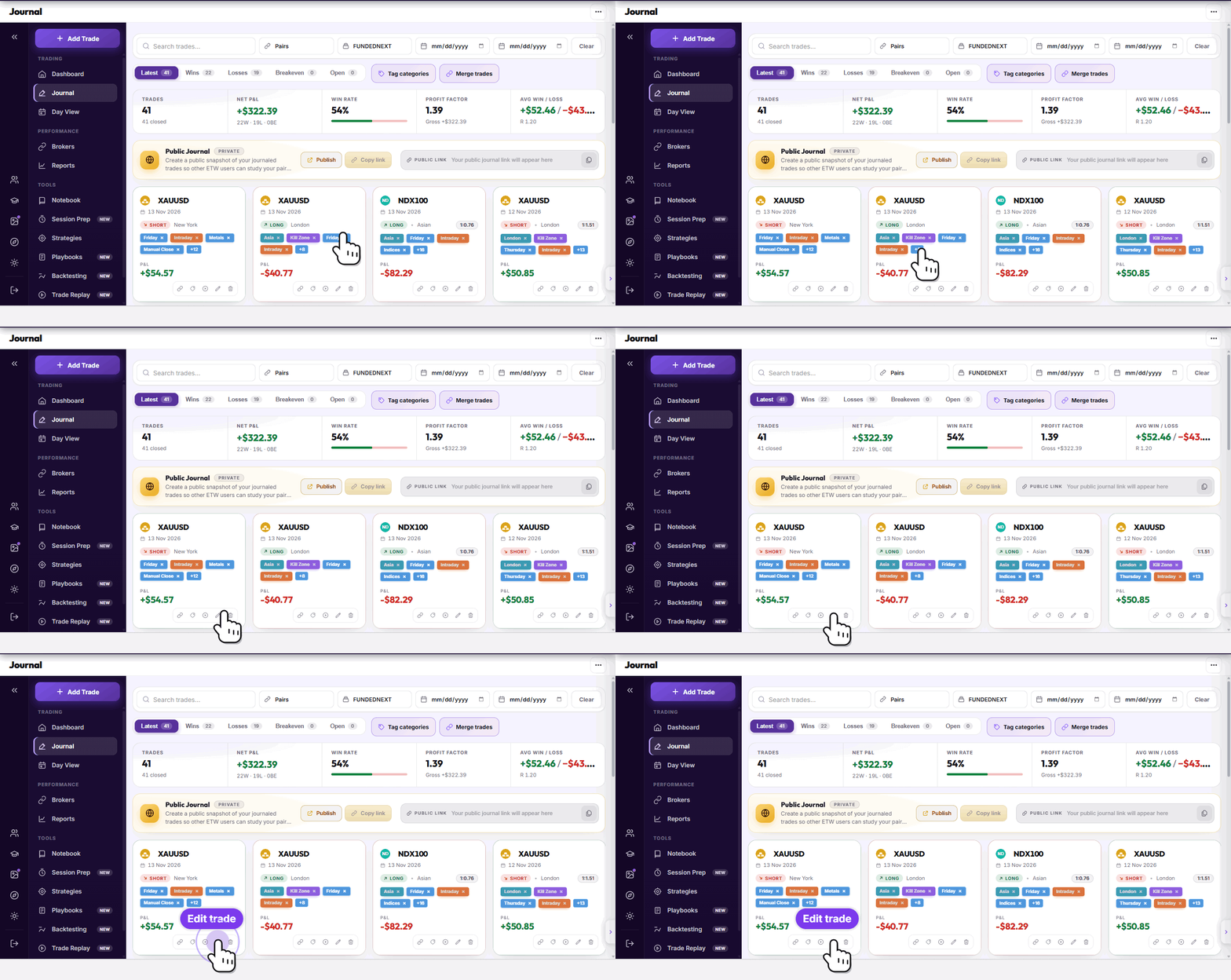
Step three. Open the Journal. Every trade appears as its own card. To journal a trade, click the pen button on the card.
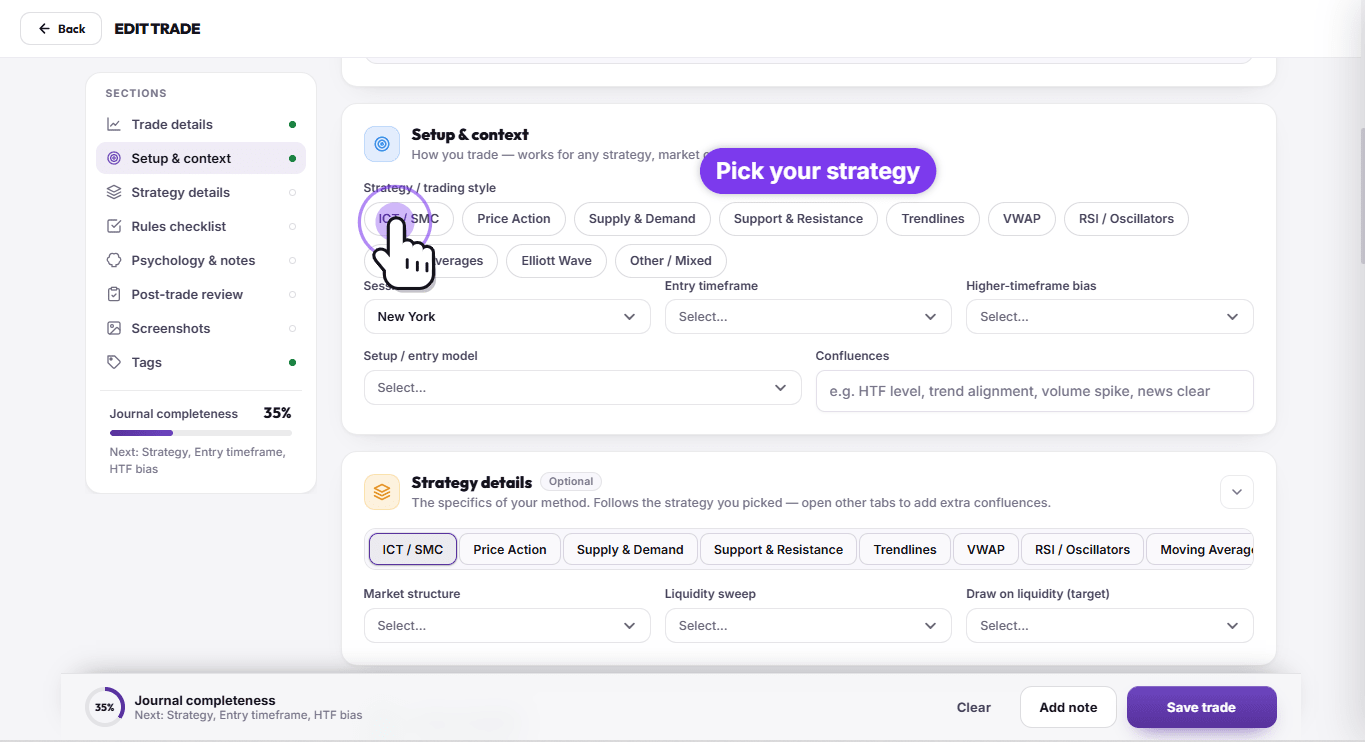
This opens the trade editor. Broker-verified details are filled in for you. Now add your strategy, session, and entry timeframe.
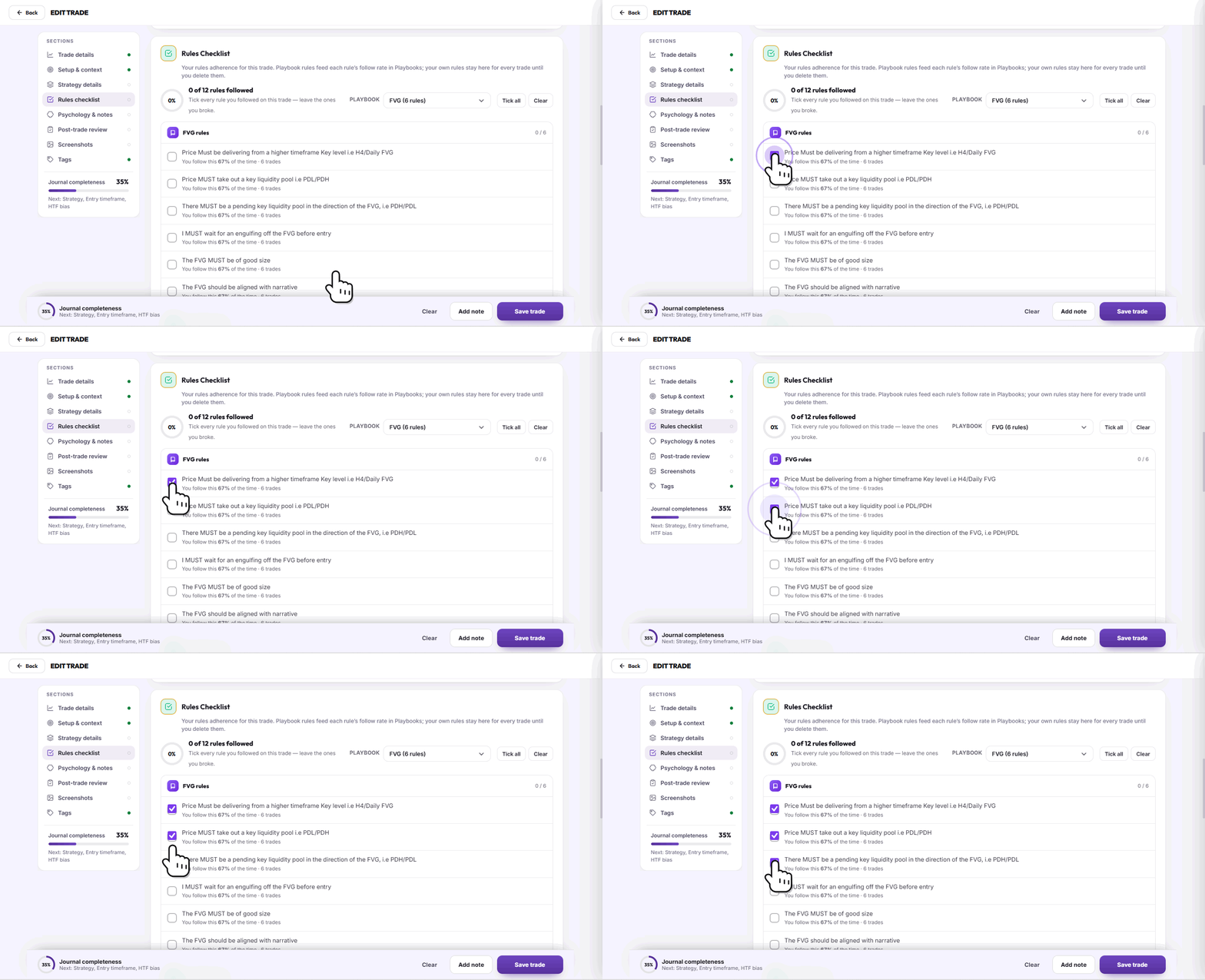
Tick every rule you followed on this trade.
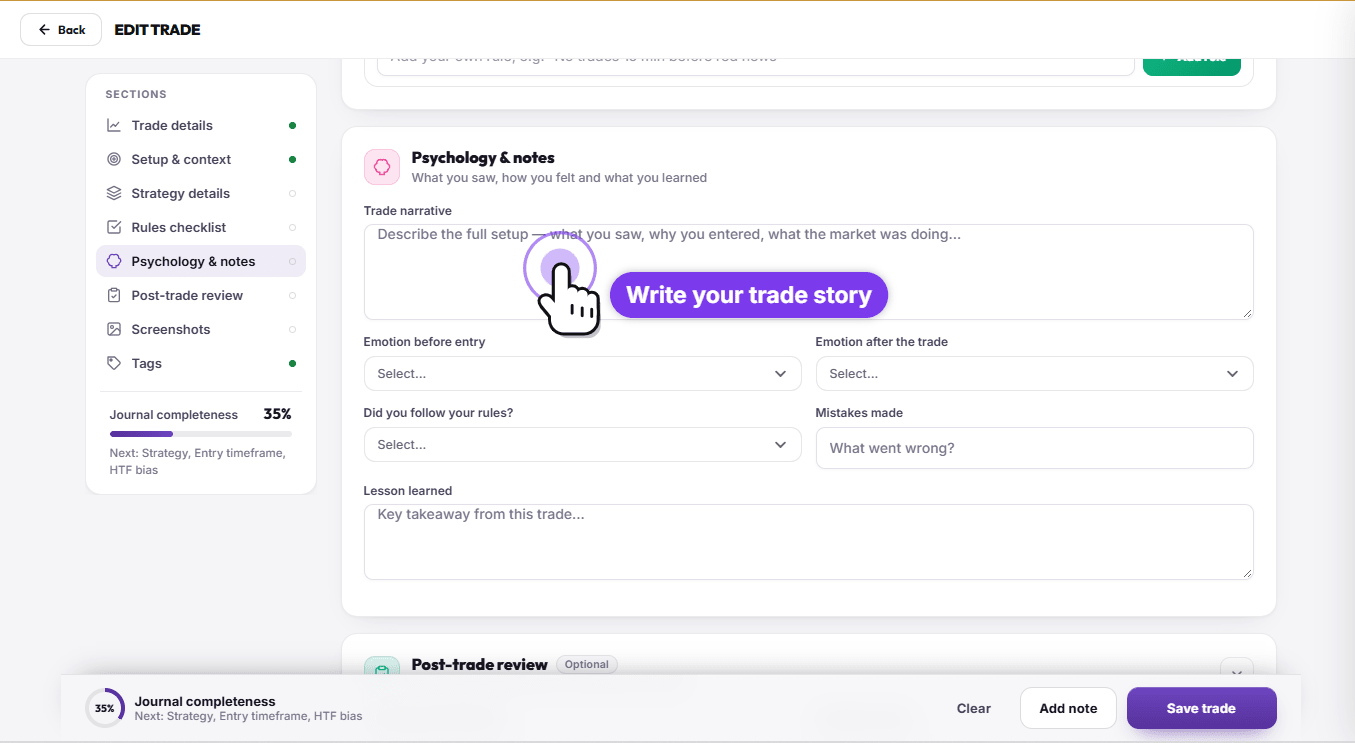
Write your trade narrative, and note how you felt before and after the entry.
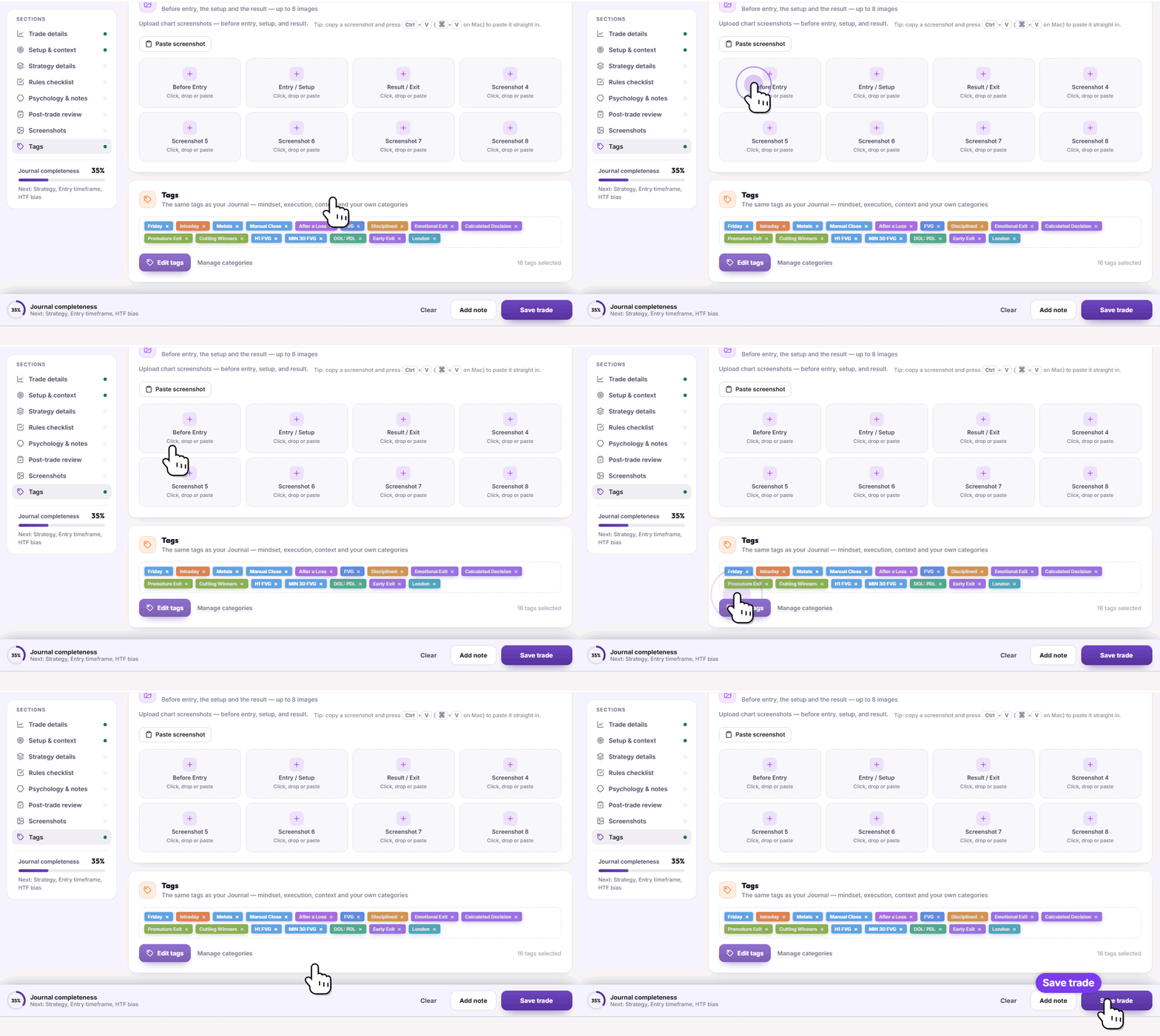
Attach your chart screenshots, before entry, at the setup, and at the exit.
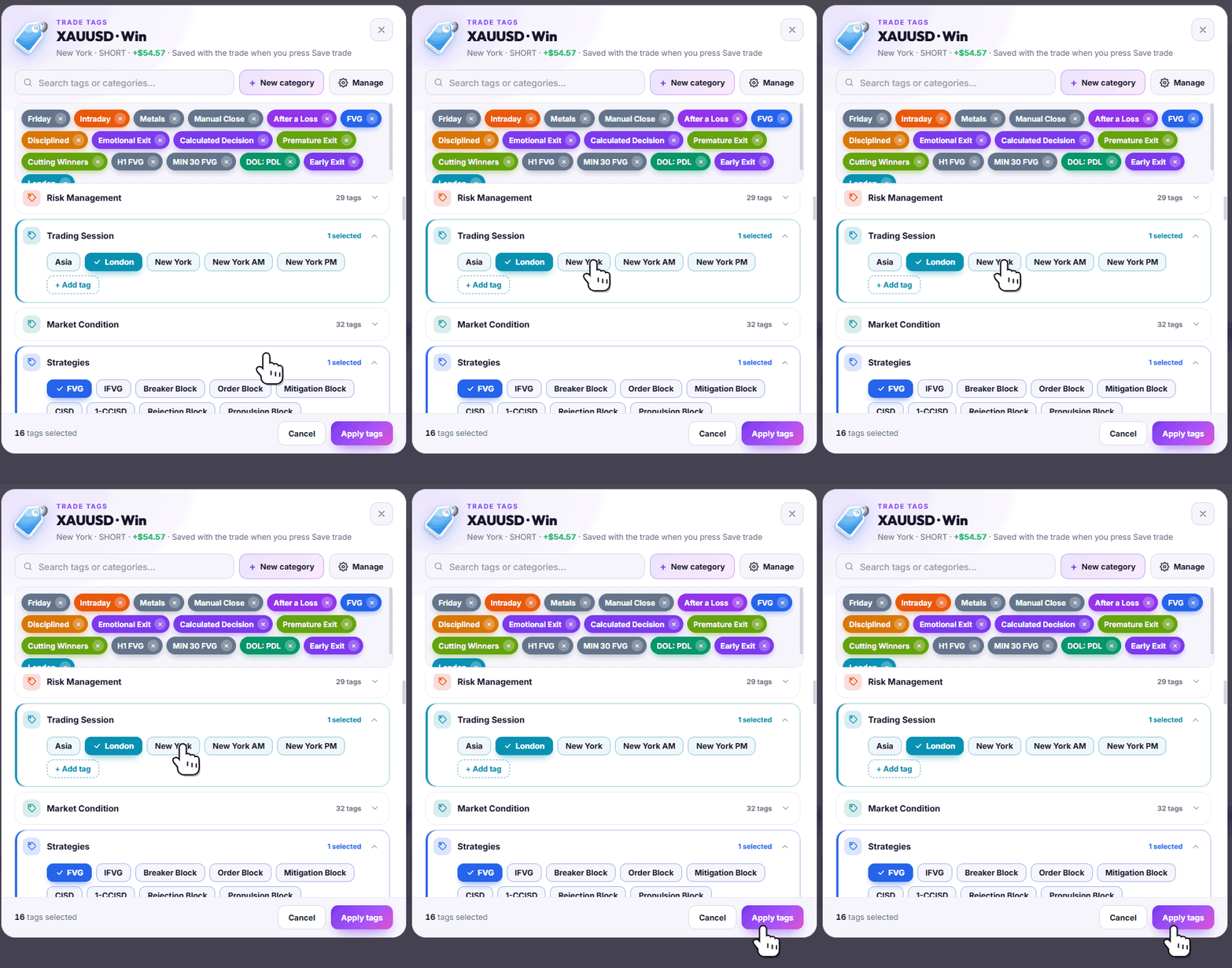
Finally, add your own tags on top of the auto tags, apply them, and click Save trade.
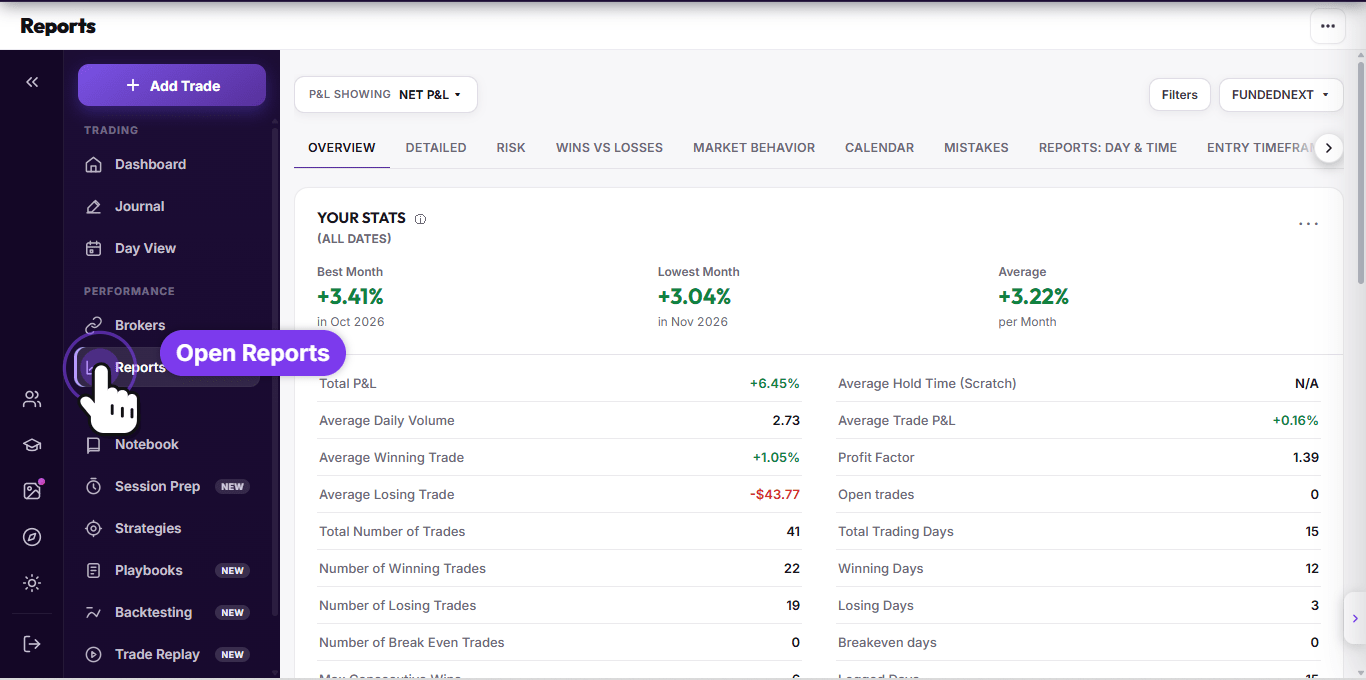
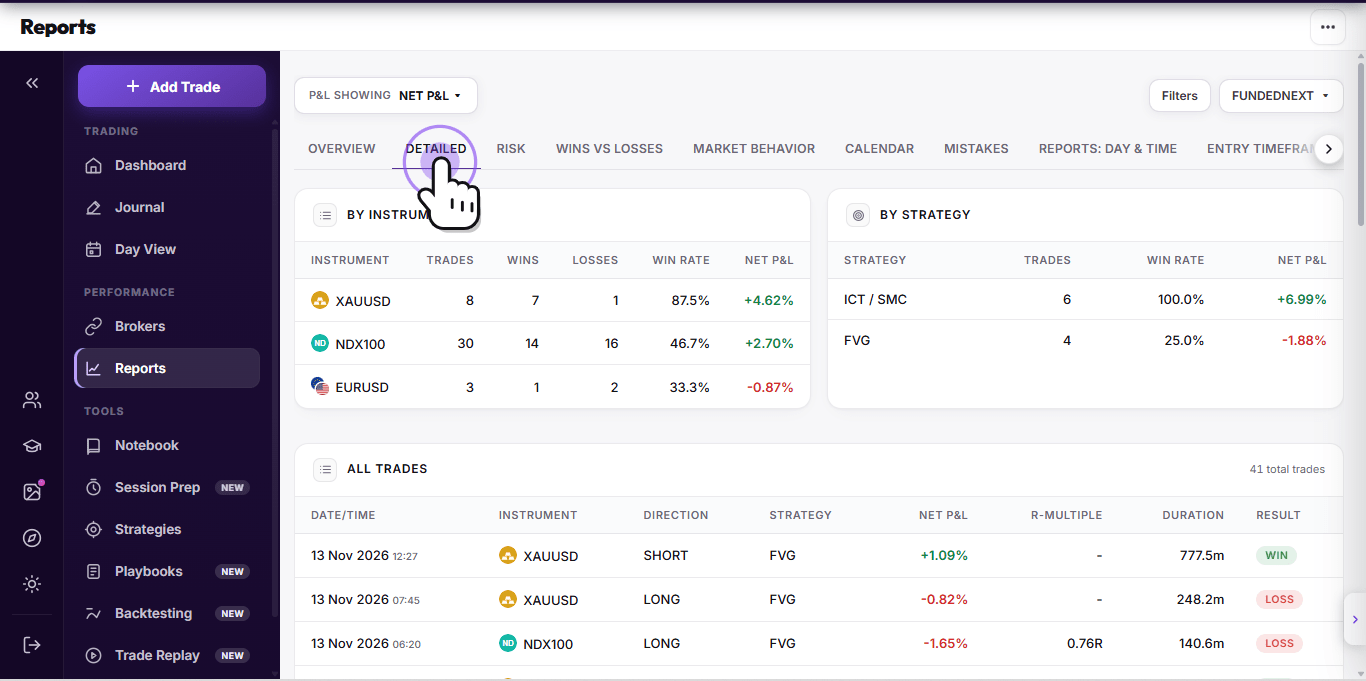
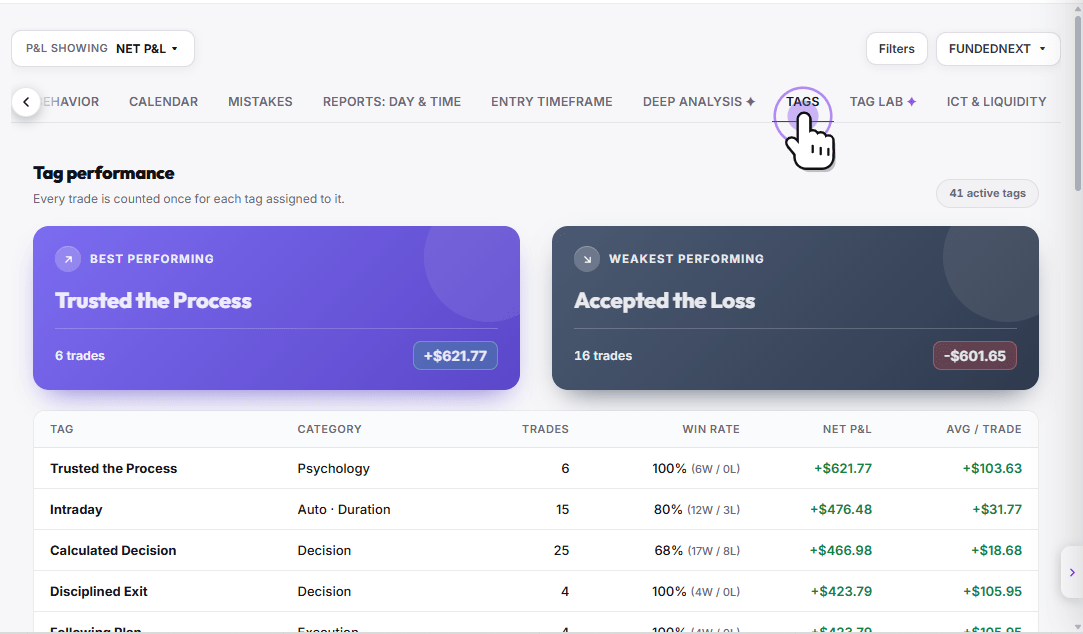
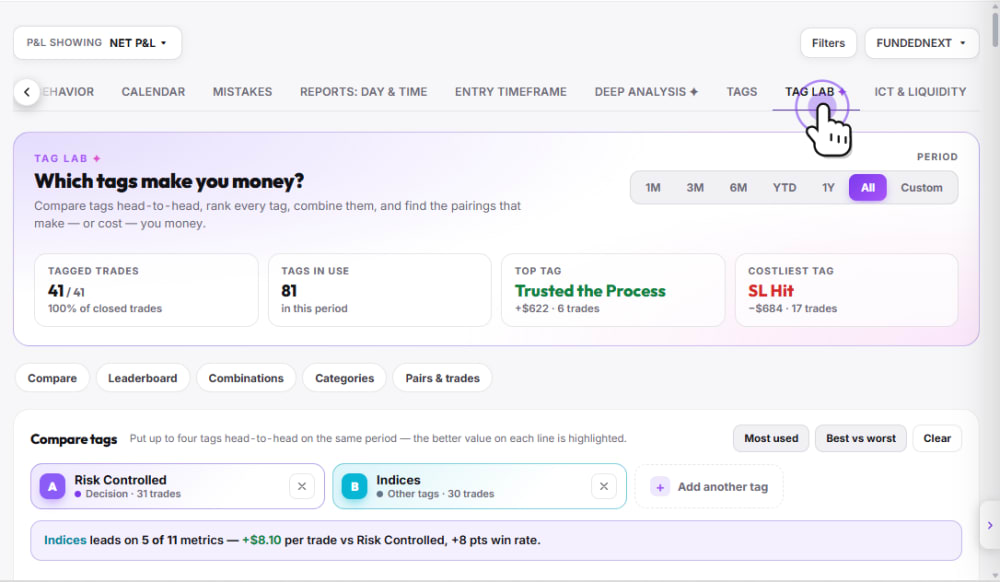
Step five. Go to Reports for deeper metrics, plus your tags, risk, and mistakes data.
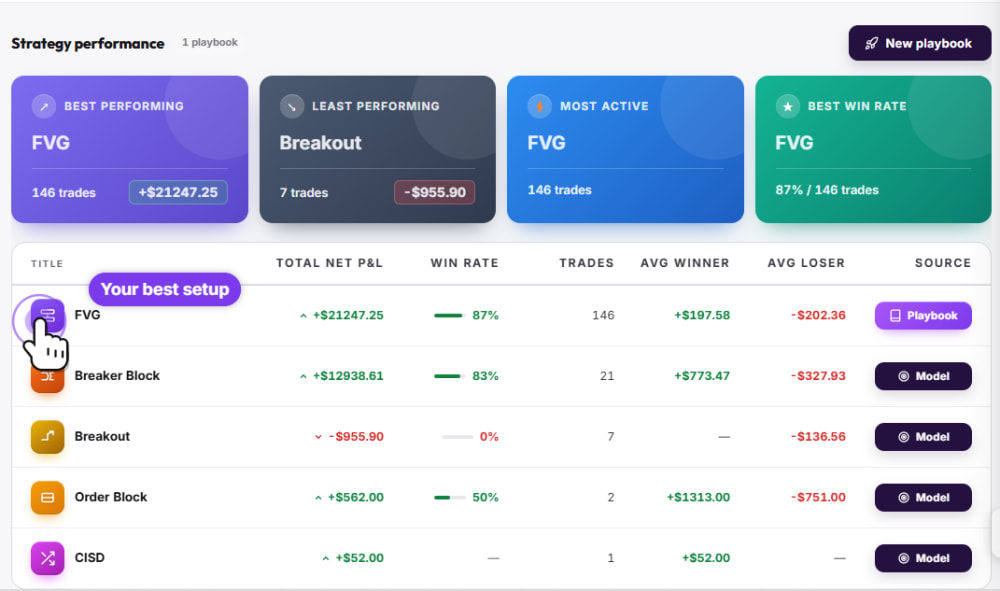
And step six. Open Strategies to compare your best and worst performing strategies side by side.
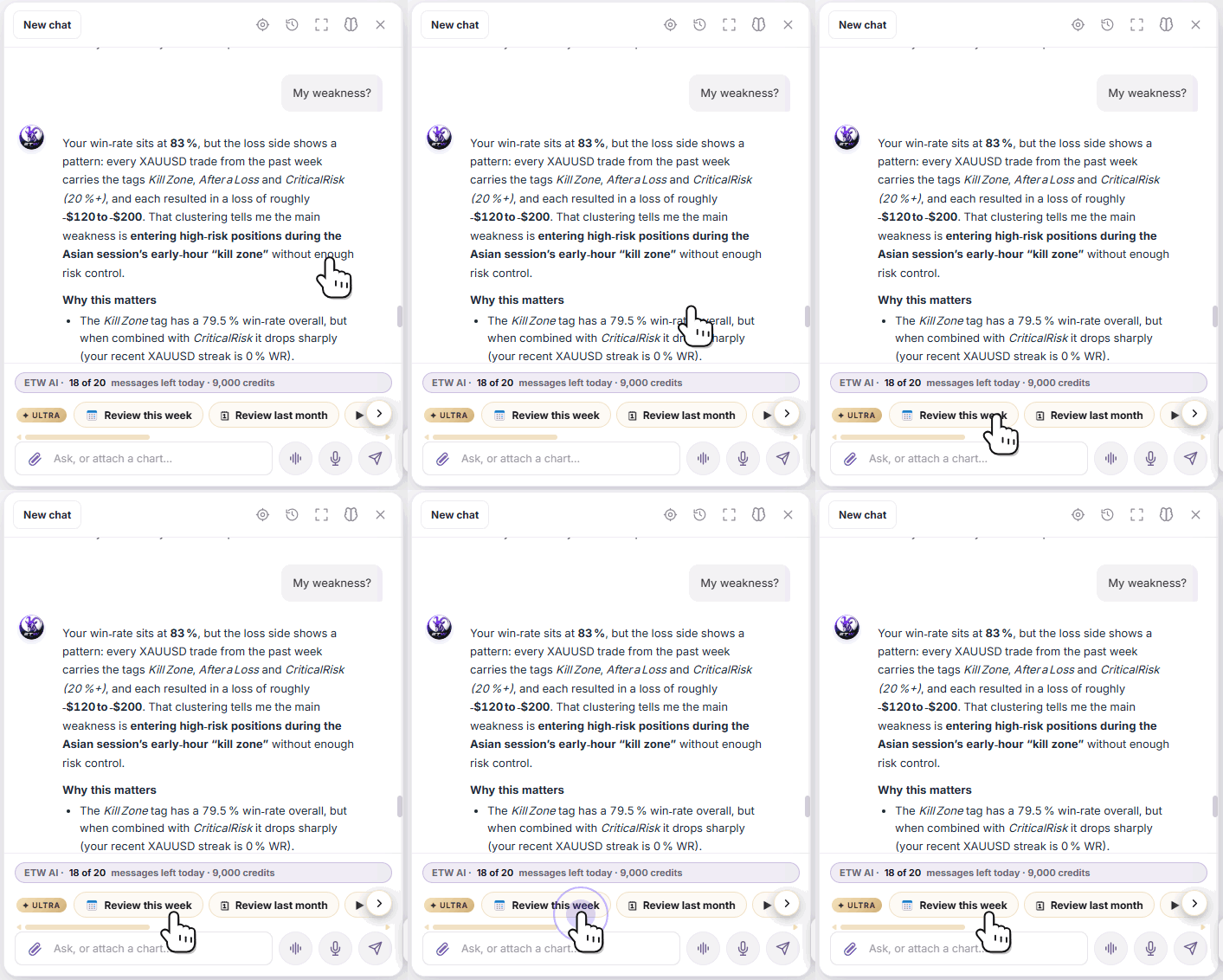
Bonus tip! You can also review your trades with ETW AI. Just ask something like, give me a full review of my trades this week. ETW AI breaks down your P&L, win rate, and risk, then gives you clear coaching on what to improve.
Connect, sync, journal, and review. That's how you build a real edge with ETW Journal. Start journaling today!
 ETW